Bokheim

One library for all your books on all your devices.

Offline first sync

Library data is always available offline and syncs when online

Seamless cross device reading

Pick up exactly where you left off when you switch between computer, phone or Kobo

All your books

EPUB, PDF, MOBI, AZW, AZW3, FB2 and CBZ.
M4B and MP3.

Pick up where you left off

With a free account your books, annotations and reading positions are synced automatically.
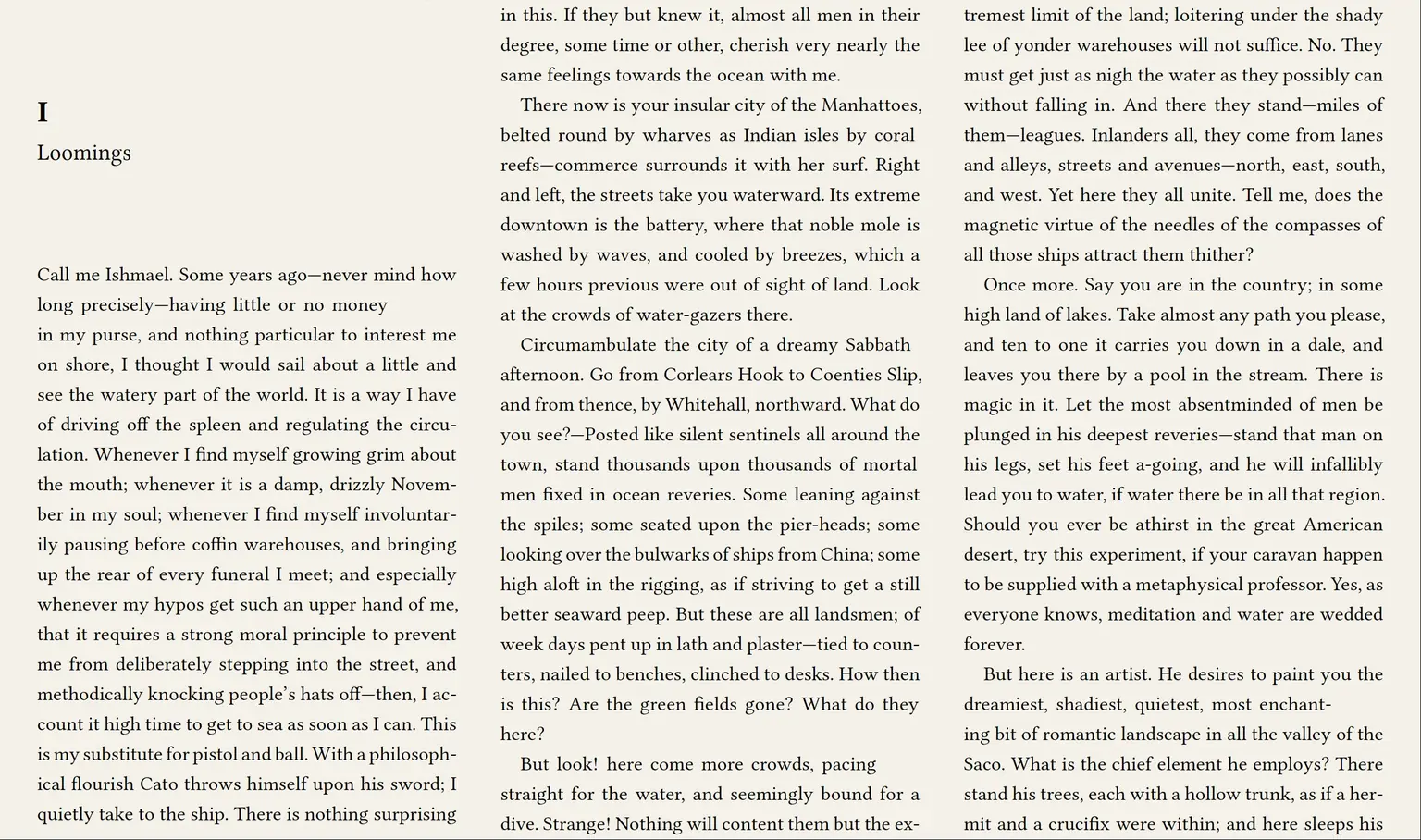
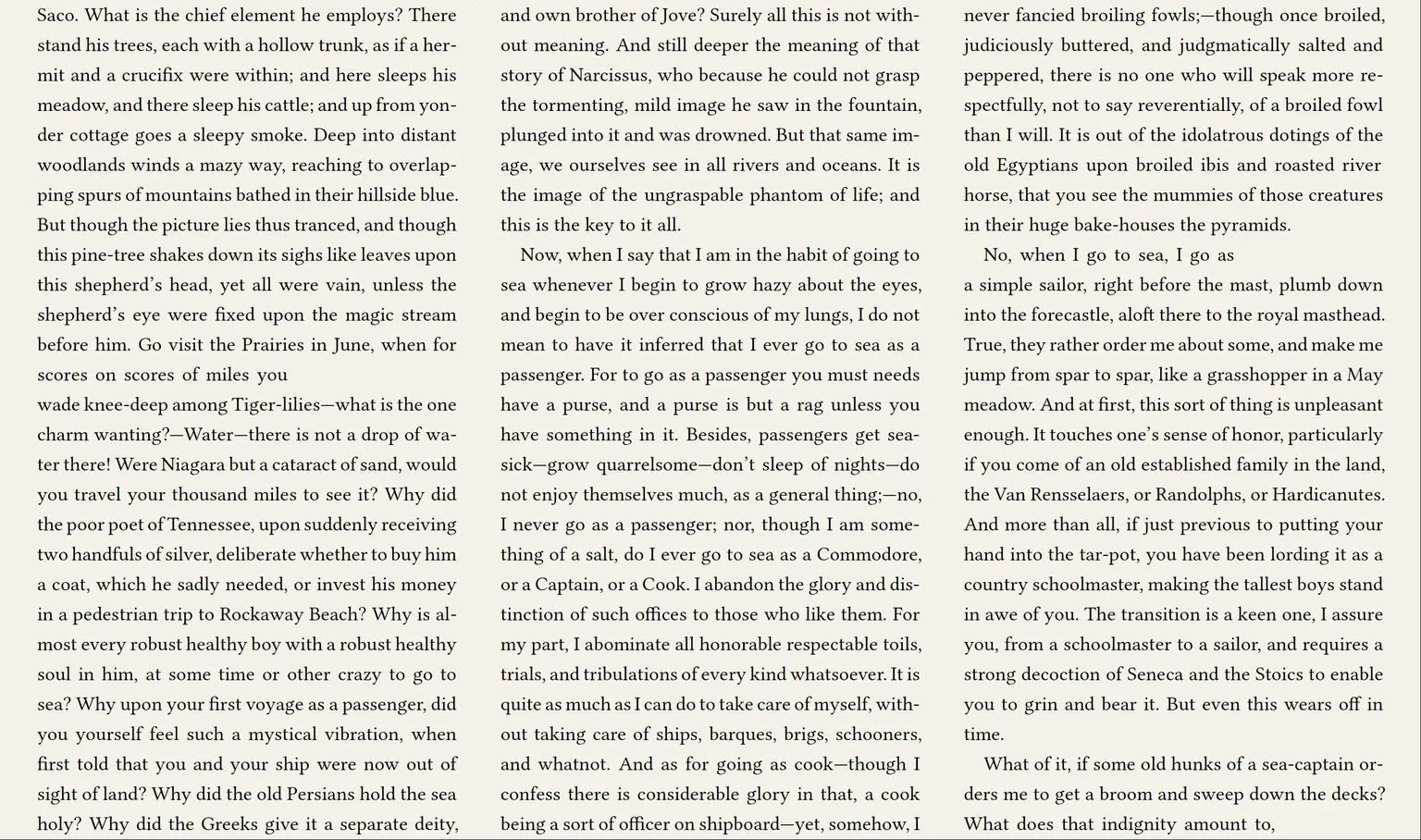
A book open on a computer. The same book on the computer, a page later.
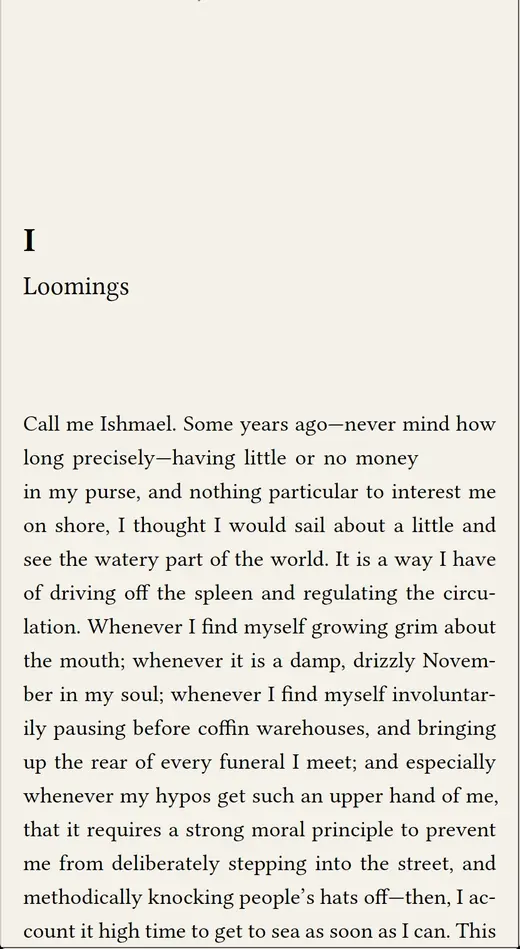
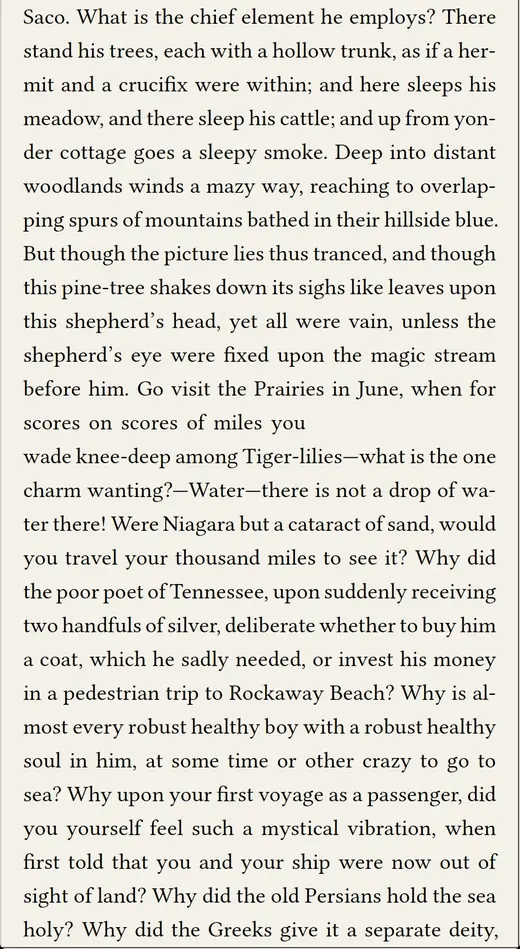
The same book open on a phone. The same book on the phone, following the computer to the next page.
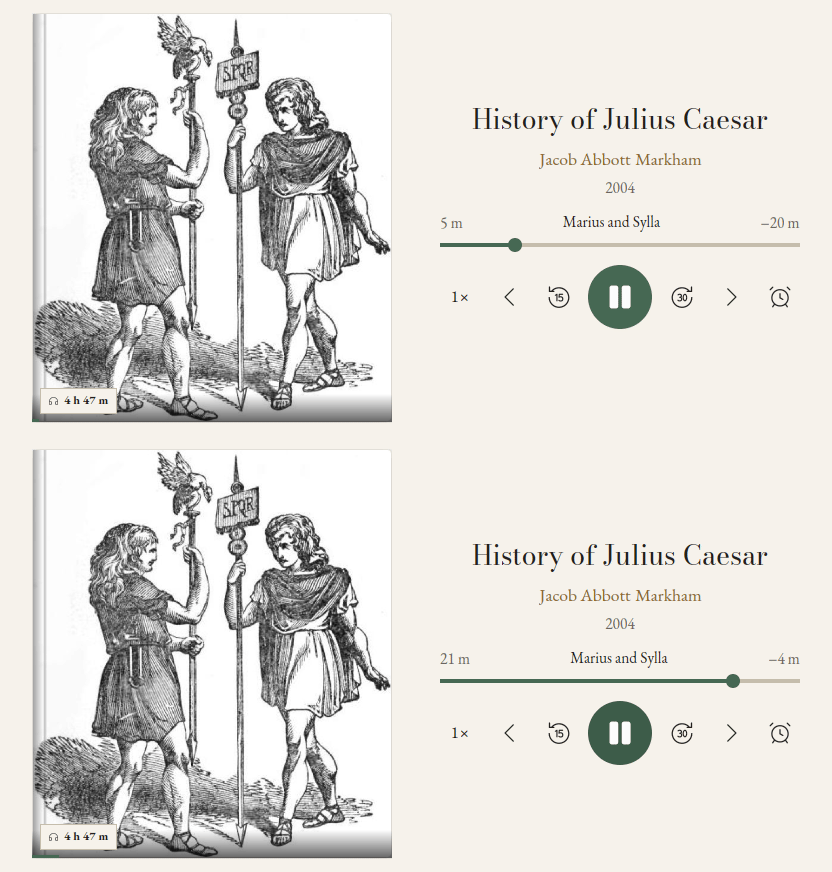
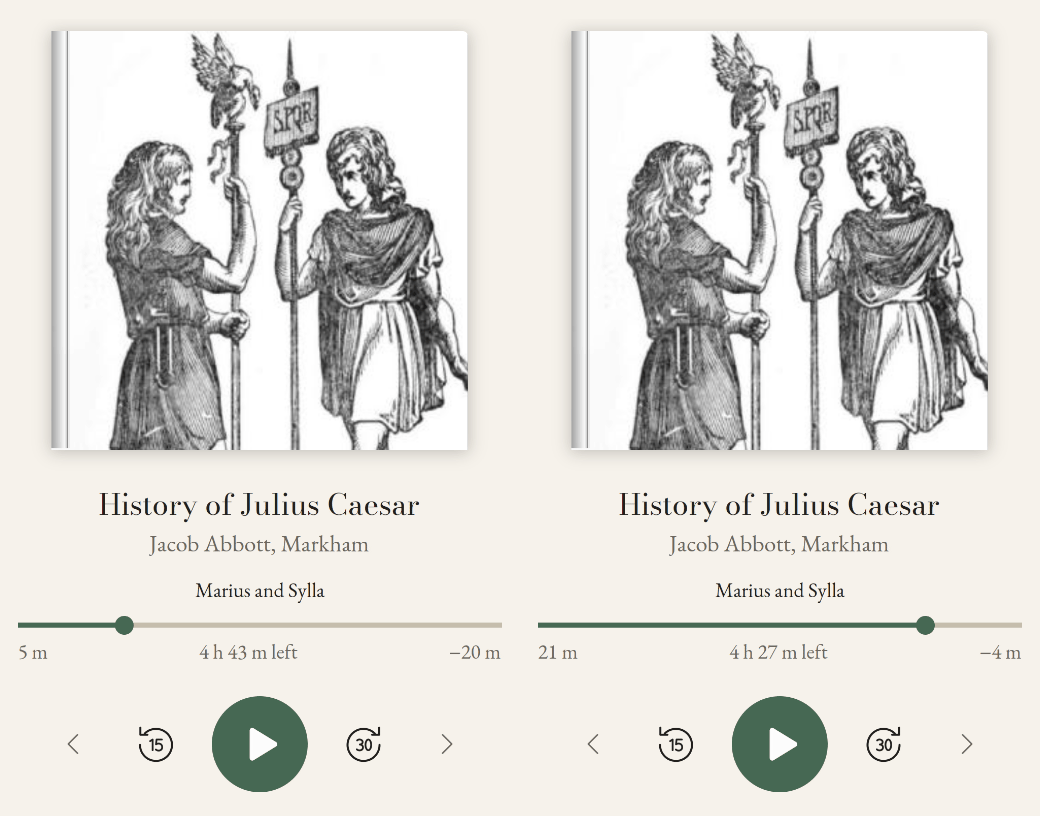
History of Julius Caesar on a computer, seeking from five to twenty-one minutes into the chapter.
The same audiobook on a phone, following the computer's seek from five to twenty-one minutes a moment later.

One app on every screen

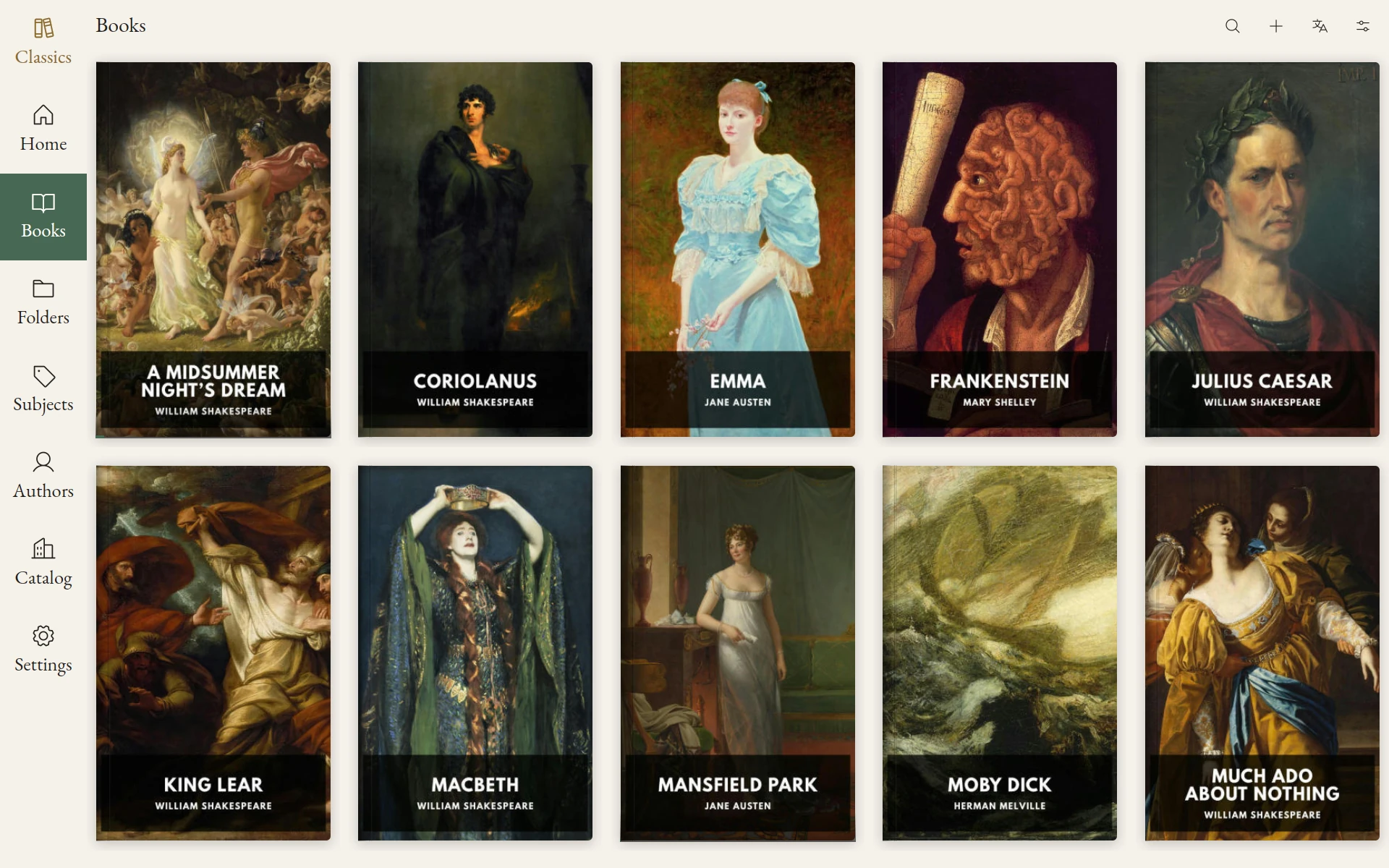
The Classics library's Books view on desktop, with book covers and the full navigation sidebar visible.
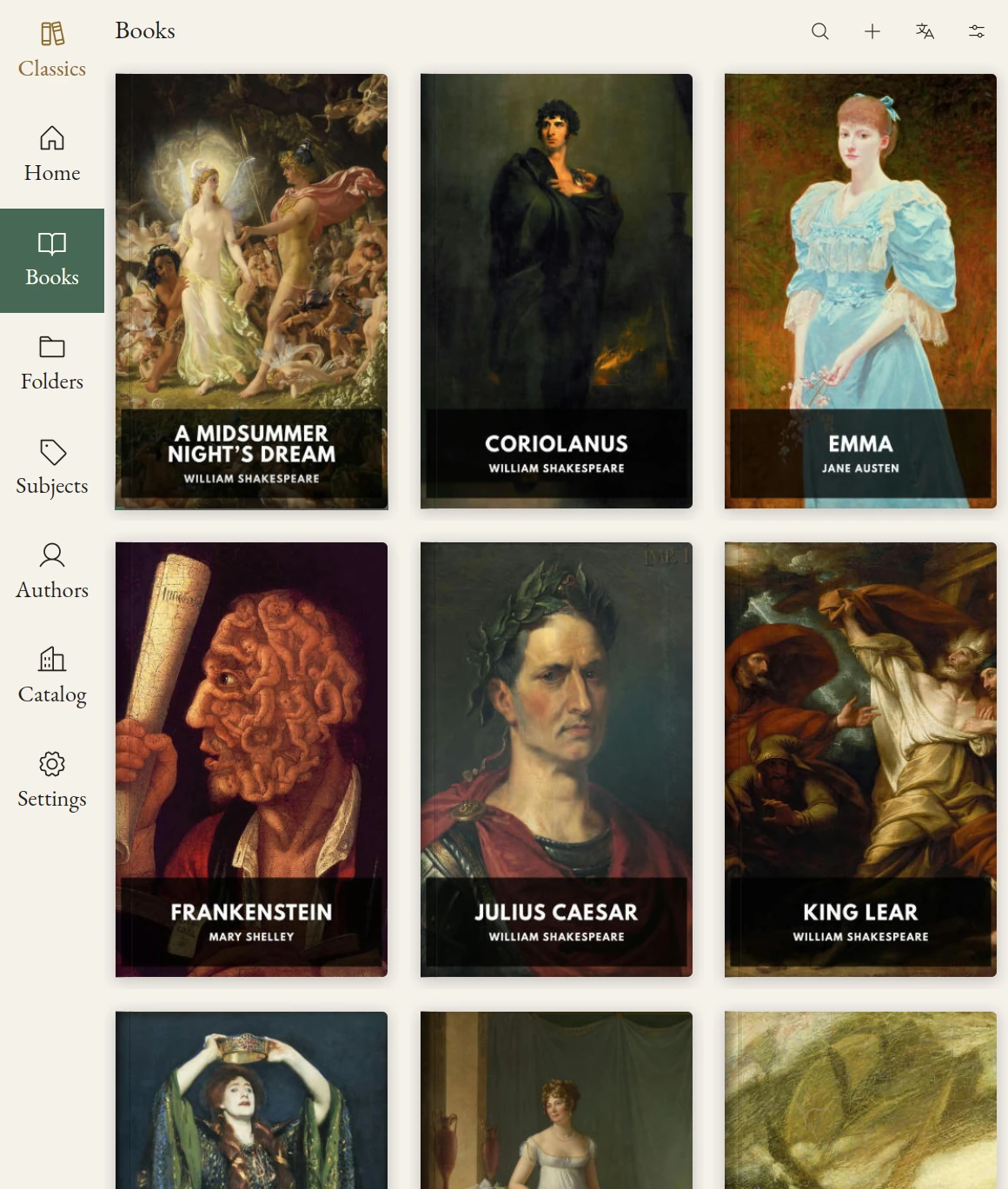
The Classics library's Books view in an e-reader frame, with the current navigation sidebar and book cover grid.
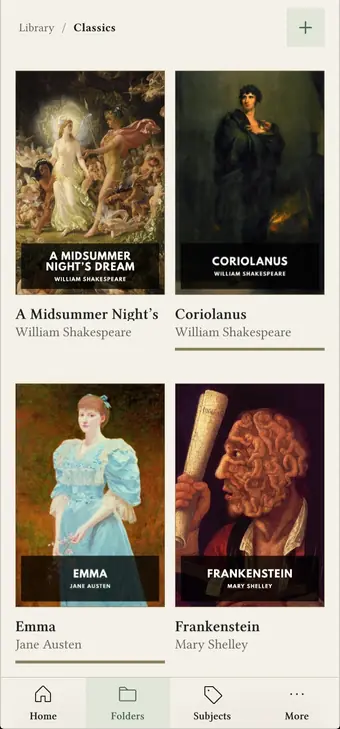
The Classics library on an Android phone, showing its books as a grid of covers.

Keep your folder structure

Existing folder structures are preserved and kept up to date.
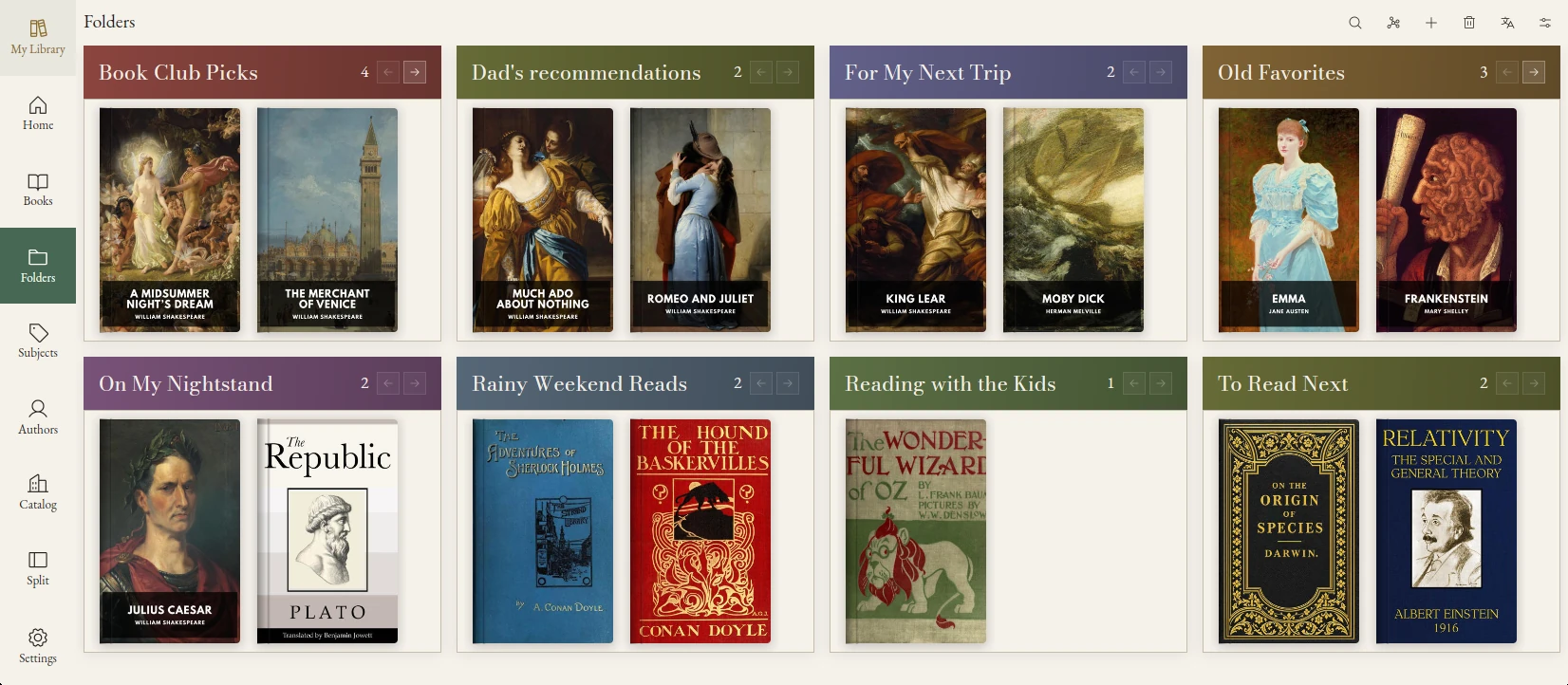
Bokheim showing eight personal folders, including Book Club Picks, Dad’s recommendations and To Read Next, with books inside each.

Automatic categorization

Your books are automatically categorized into a subject hierarchy using data embedded in your files and publicly available data.
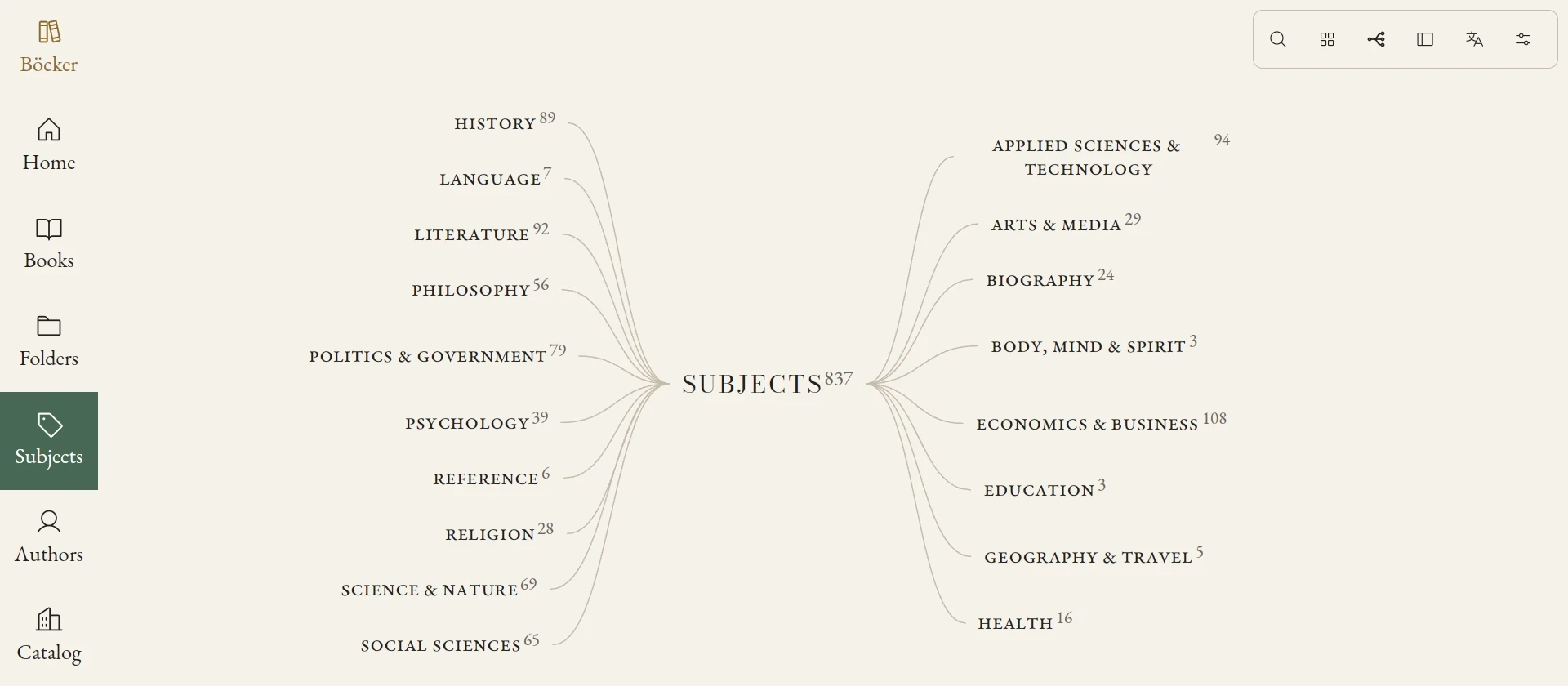
The Böcker library's subjects in graph view, with all category branches visible.

Find your next read

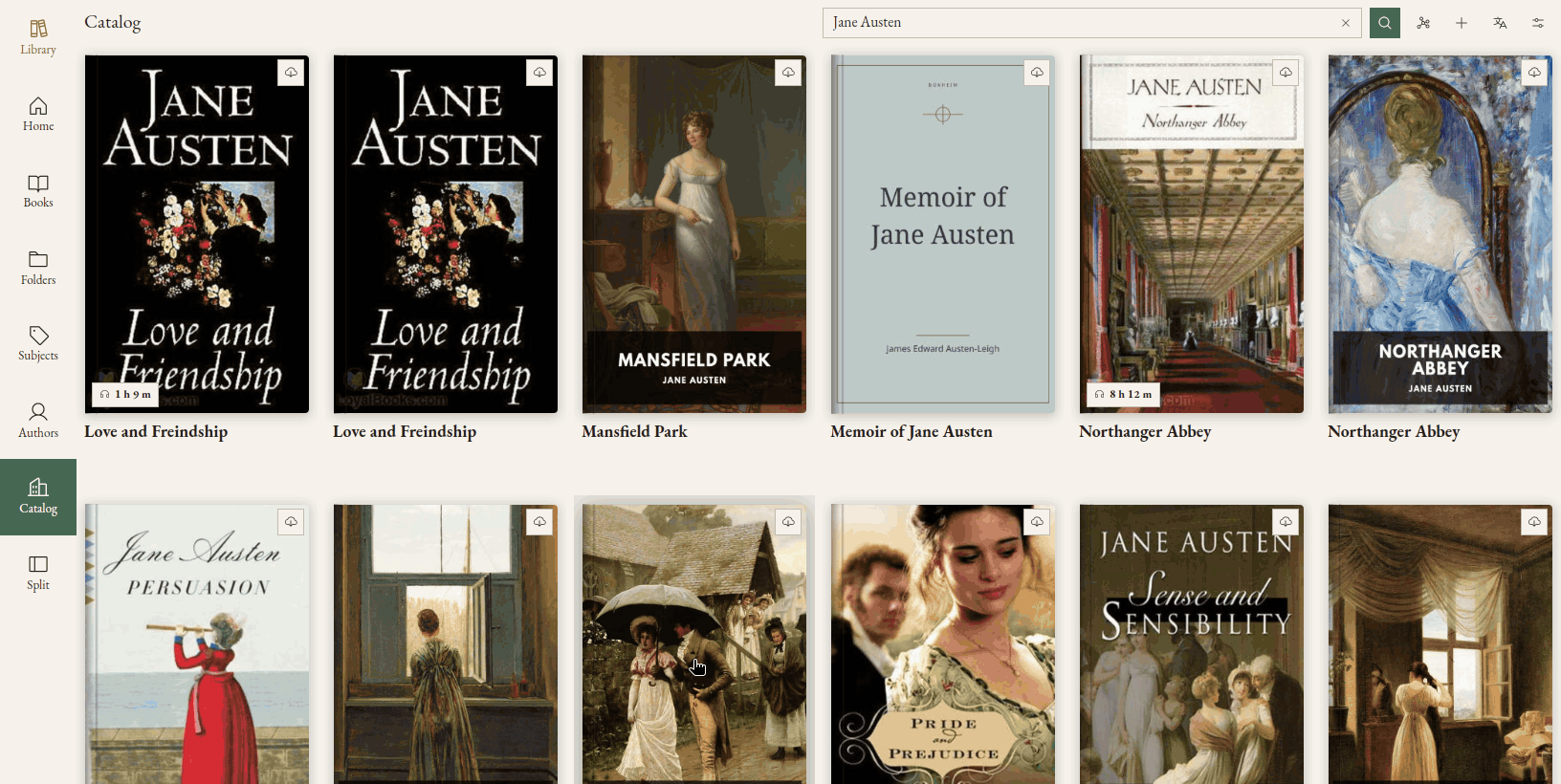
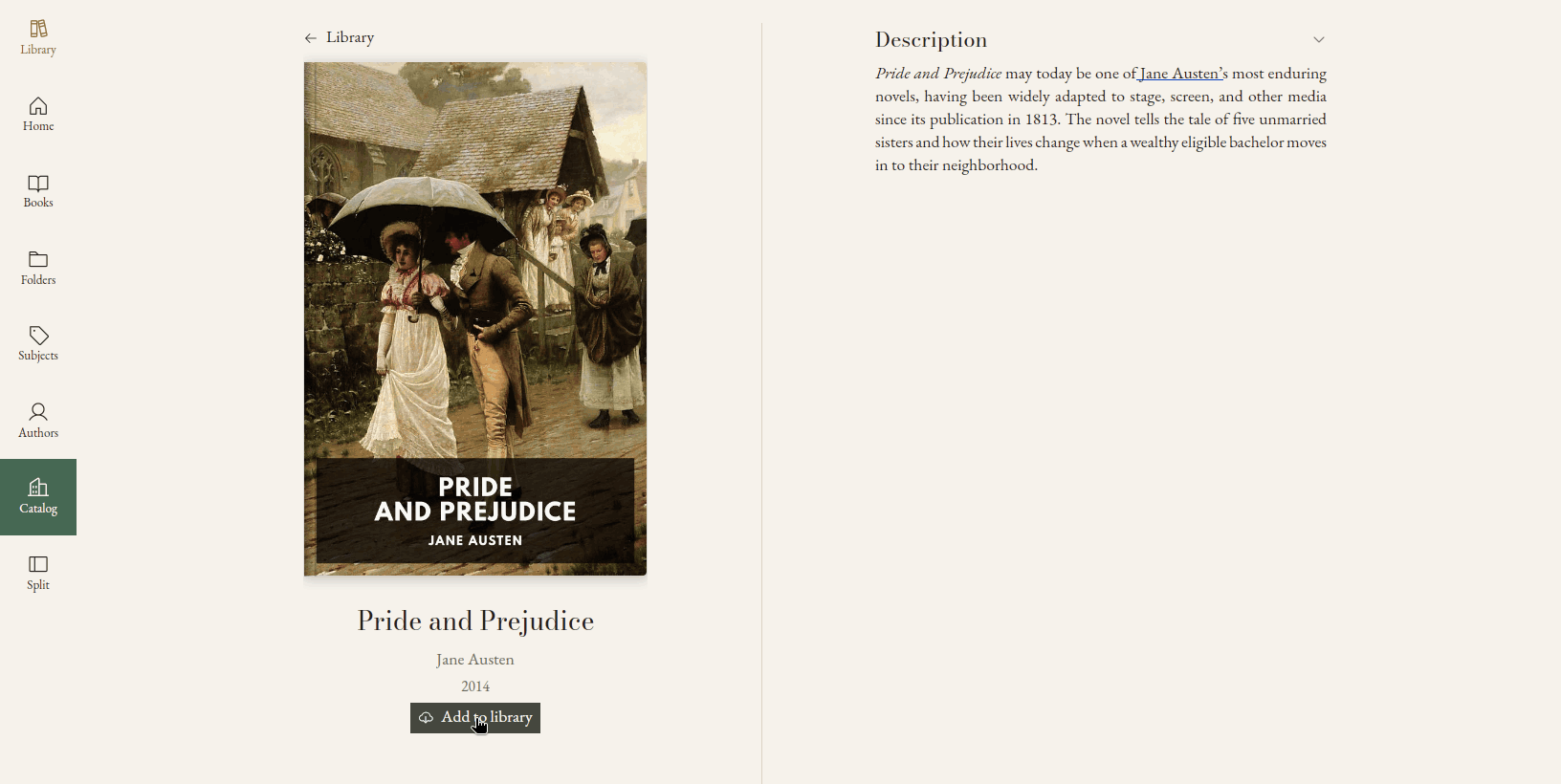
Add high quality public domain books from the 5000+ book curated catalog. Explore OPDS catalogs and download from the web with the embedded browser.
Listen to your books

Alba